
Named PIPES:
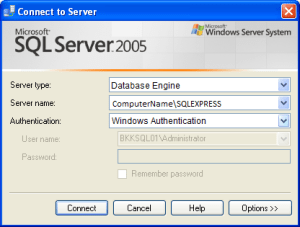
Named Pipes Provider, error: 40 – Could not open a connection to SQL Server
Users / developers often come across this type of errors while connecting /opening MS SQL Server. Here is quick review of how to overcome this issue.
To connect to MS SQL Server , we need network protocols , which connect and communicate with SQL. There are normally four Network Protocols to communicate to MS SQL .
- Shared Memory
- Named Pipes
- TCP/IP
- VIA
To overcome the above error of Named Pipes , Follow the instructions below :
- Go to Start Menu of your windows, open the Microsoft SQL Server tab , find the SQL Server Configuration Manager .
- Go to the protocols of SQL Server in the SQL Server Configuration Manager And enable the Name Pipes on the right window .Find the below Screen Clipping for reference :



 SqlBird